Skip to product information
1 of 4
0 ( 0  Reviews )

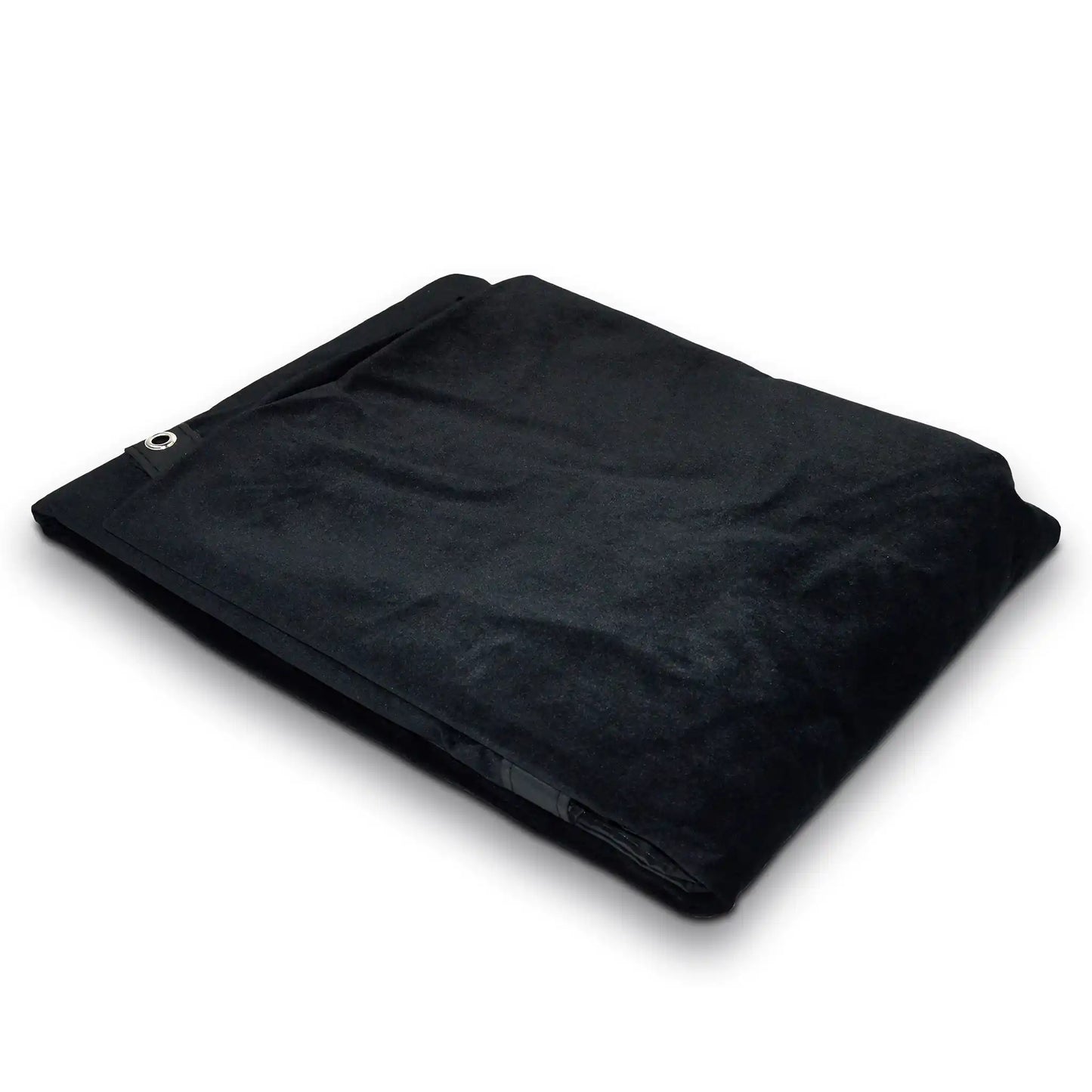
SimSpace Golf Enclosure Blackout Screen

SimSpace Golf Enclosure Blackout Screen

Regular price €234,99 EUR
Regular price Sale price €234,99 EUR
Sale Sold out
Taxes included. Shipping calculated at checkout.
Quantity

Delivery Info

+

For more details, please visit our Shipping policy page.

Setup Guide

+

Our SimSpace Golf blackout screen is a simple add-on designed to improve your simulator experience by reducing light coming through from behind your enclosure, giving you a clearer, more immersive image. It’s quick and easy to install, just unpack the screen and allow it to settle, then attach it to the rear of your SimSpace Golf enclosure using the built-in eyelets and bungee cords, just like your impact screen. Positioned at the very back of the enclosure, it creates a darker environment for better projection quality without affecting your hitting area. Please note, this screen is not designed for ball impact and is only compatible with SimSpace Golf enclosures.

View full details

SimSpace Golf Enclosure Blackout Screen

The SimSpace Golf Enclosure Blackout Screen improves your simulator experience by blocking unwanted light, enhancing projection clarity and contrast for sharper visuals. Designed for easy installation and seamless compatibility, it ensures a cleaner, more professional setup while optimising performance in brighter environments.

Block Unwanted Light

RapsodoThe SimSpace Blackout Screen is designed to sit behind your impact screen to prevent light entering the back of your enclosure. By blocking light from windows, doors and room lighting, it helps improve projection clarity during simulator play.

  • ✓︎Blocks light entering from behind the enclosure
  • ✓︎Helps improve projection clarity and contrast
  • ✓︎Reduces glare from windows, lights and doors
  • ✓︎Ideal for brighter rooms or daytime play
Block Unwanted Light

Designed for SimSpace Enclosures

The blackout screen is specifically made to integrate with SimSpace Golf Enclosures. Its sizing and design ensure it fits neatly behind your impact screen without affecting the overall simulator setup.

  • ✓︎Designed specifically for SimSpace golf enclosures
  • ✓︎Fits neatly behind the impact screen
  • ✓︎Maintains clean and professional enclosure setup
  • ✓︎Compatible with all SimSpace enclosure sizes
Designed for SimSpace Enclosures

Simple Bungee Cord Installation

Installation is quick and straightforward by attaching the blackout screen behind the impact screen using the bungee cords supplied with your enclosure. This keeps the screen securely positioned during simulator use.

  • ✓︎Attaches using existing enclosure bungee cords
  • ✓︎Installs easily behind the impact screen
  • ✓︎No additional tools or hardware required
  • ✓︎Secure fit for consistent simulator performance
Simple Bungee Cord Installation